
Log In to Your Indibet Account
Log in to your Indibet account through the website or the Indibet mobile app. Enter your registered mobile number or email address along with your password to reach your user profile in under 10 seconds. Two-factor authentication and SSL encryption protect every session once you complete verification. Your dashboard opens directly to cricket and football betting, casino games, active bonuses and your transaction history.
Log In
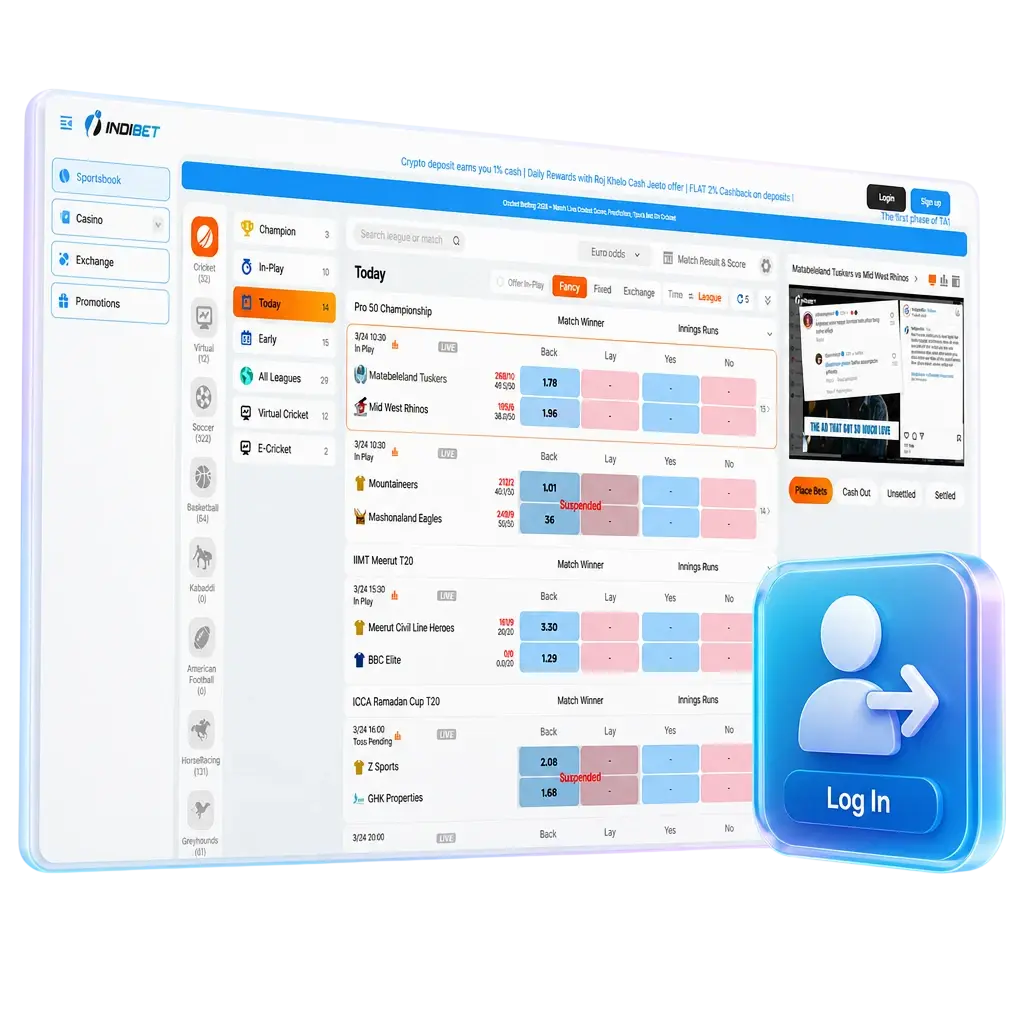
How to Log In to Indibet: A Step-by-Step Guide
Follow these steps to complete your Indibet login on the website or the app.
Click the Log In button
Click the “Log In” button on the Indibet login page. The button sits at the top right corner of the homepage on the website, and inside the top menu on the app.
Enter your login details
Enter your registered mobile number or email address in the first field. Type the password linked to your profile in the second field.
Complete the OTP verification
Complete the OTP step if two-factor authentication is active on your account. Indibet sends a code to your registered mobile number within 30 seconds.
Submit and access your dashboard
Click “Submit” to load your dashboard. Your sports markets, casino lobby, bonus balance and deposit history appear on the same screen.
Fast Access via Social Networks
An existing Google, Telegram, Apple ID or Facebook account gets you into Indibet without typing a password. Indibet supports all four methods across the platform. Each connection runs on encrypted authentication, completes in one click and syncs directly with your existing profile without creating a duplicate account.
Log In with Your Google Account
Your Google account links directly to your Indibet profile through an encrypted token, and no new password gets created.
- Tap the Google icon on the Indibet login page.
- Select your Gmail address from the account list.
- Confirm the connection to load your dashboard.
Log In with Telegram
Telegram login works through an encrypted authentication token sent straight to your Telegram app, with no SMS delivery delay.
- Select the Telegram icon on the login page.
- Approve the login request inside your Telegram app.
- Your profile opens on the same screen automatically.
Log In with Apple ID
Apple ID login verifies your identity through Face ID or Touch ID, adding a biometric layer to your account login.
- Tap the Apple icon on the login page.
- Confirm your identity through Face ID or Touch ID.
- Your dashboard loads within seconds.
Log In with Facebook
Facebook login connects your existing credentials to your Indibet profile without exposing your password to the platform.
- Click the Facebook icon on the login page.
- Enter your Facebook details if you are not already signed in.
- Authorize the connection to reach your account.
Can’t Log In? Reset Your Password
Click “Forgot Password?” below the login form on the website or the app. Enter your registered mobile number or email address to receive a password reset link or an OTP code instantly. Check your spam or promotions folder if the recovery message doesn’t arrive within 60 seconds.
Possible Account Login Problems on Indibet and their Solutions
Most Indibet login problems trace back to a handful of common causes. The table below lists each problem alongside a direct solution.
| Problem | Solution |
|---|---|
| Incorrect password | Click “Forgot Password?” and reset it through the OTP sent to your registered mobile number. |
| Account locked after 5 failed attempts | Wait 15 minutes, or contact Indibet support through live chat to restore access to your profile. |
| OTP not received | Check your network signal and spam folder, then request a new code after 60 seconds. |
| KYC verification pending | Upload your PAN card or Aadhaar card in your profile to complete verification within 24 hours. |
| Outdated app version | Update the Indibet app through your device’s app store before logging in again. |
Can’t Log In? How to Reset Your Password
The password recovery process on Indibet runs through your registered mobile number or email address, and completes in under 2 minutes.
- Click “Forgot Password?” on the Indibet login page.
- Select recovery through your registered mobile number or email address.
- Enter the OTP or click the reset link sent to you within 60 seconds.
- Create a new password with at least 8 characters, including one number and one symbol.
- Log in with your new password.
New to Indibet? Create an Account Here
Registration on Indibet takes under a minute, and a 250% welcome bonus up to INR 25,000 becomes available on your first deposit right after sign up. Your welcome package applies across cricket betting, live casino tables and slot games from the moment you complete registration.
How long does the Indibet login process take?
The Indibet login process takes under 10 seconds when you use your registered mobile number and password on the website or the app.
Can I use the same Indibet login on both the website and mobile app?
Yes. Your Indibet account login credentials work identically across the website, the Indibet app and the mobile browser version.
Is two-factor authentication mandatory for Indibet login?
Two-factor authentication activates once you enable it in your profile settings, adding an OTP step to every Indibet sign in.
What should I do if my Indibet account gets locked?
Contact Indibet support through live chat, available 24/7, to restore access after 5 failed login attempts within 15 minutes.
Can I log in to Indibet from multiple devices at once?
Yes. Your Indibet official website login stays active across up to 3 devices at the same time, though only one active betting session runs at a time.
Updated: